Go live from your station
1. Sign in
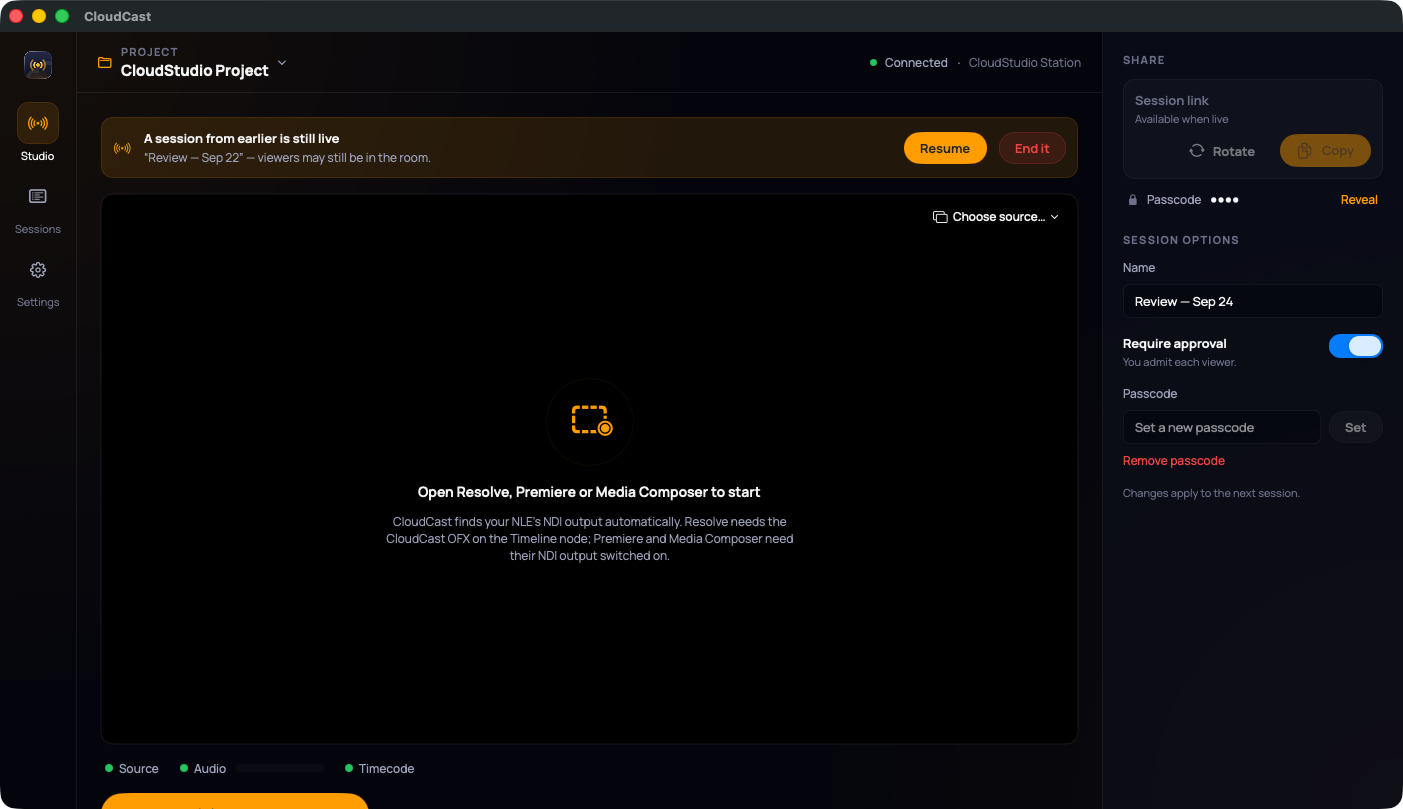
Open CloudCast and sign in with your CloudStudio email and password.
2. Check the studio
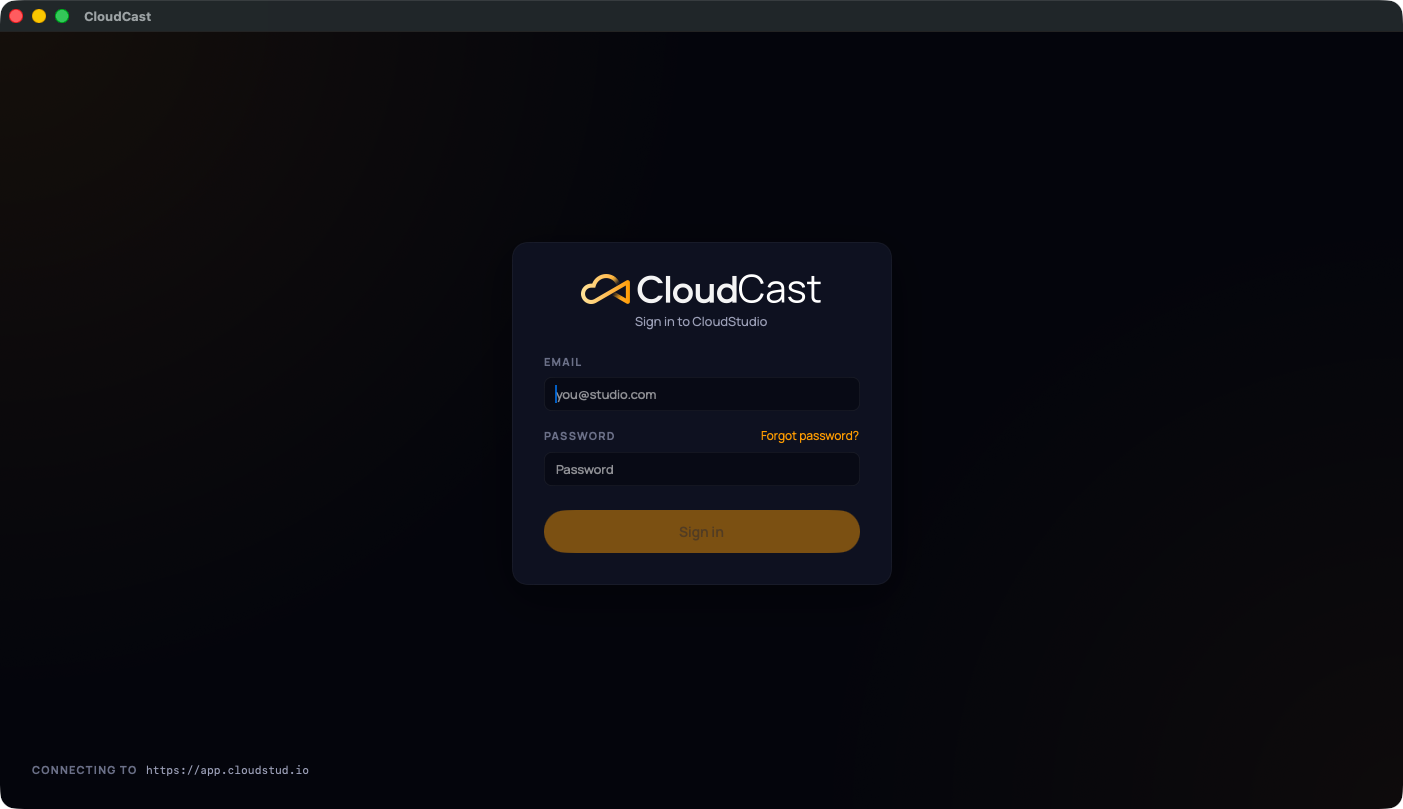
The header shows your project and this station's name. Before going live, check the three dots under the preview:
- Source: your editing app's picture is arriving. If there's more than one source, use Choose source… to pick yours.
- Audio: the meter moves when your timeline plays.
- Timecode: CloudCast can read your playhead.
On the right, under Session options, you can:
- rename the session;
- turn Require approval on or off (you admit each viewer);
- set or remove a passcode.
3. Go Live
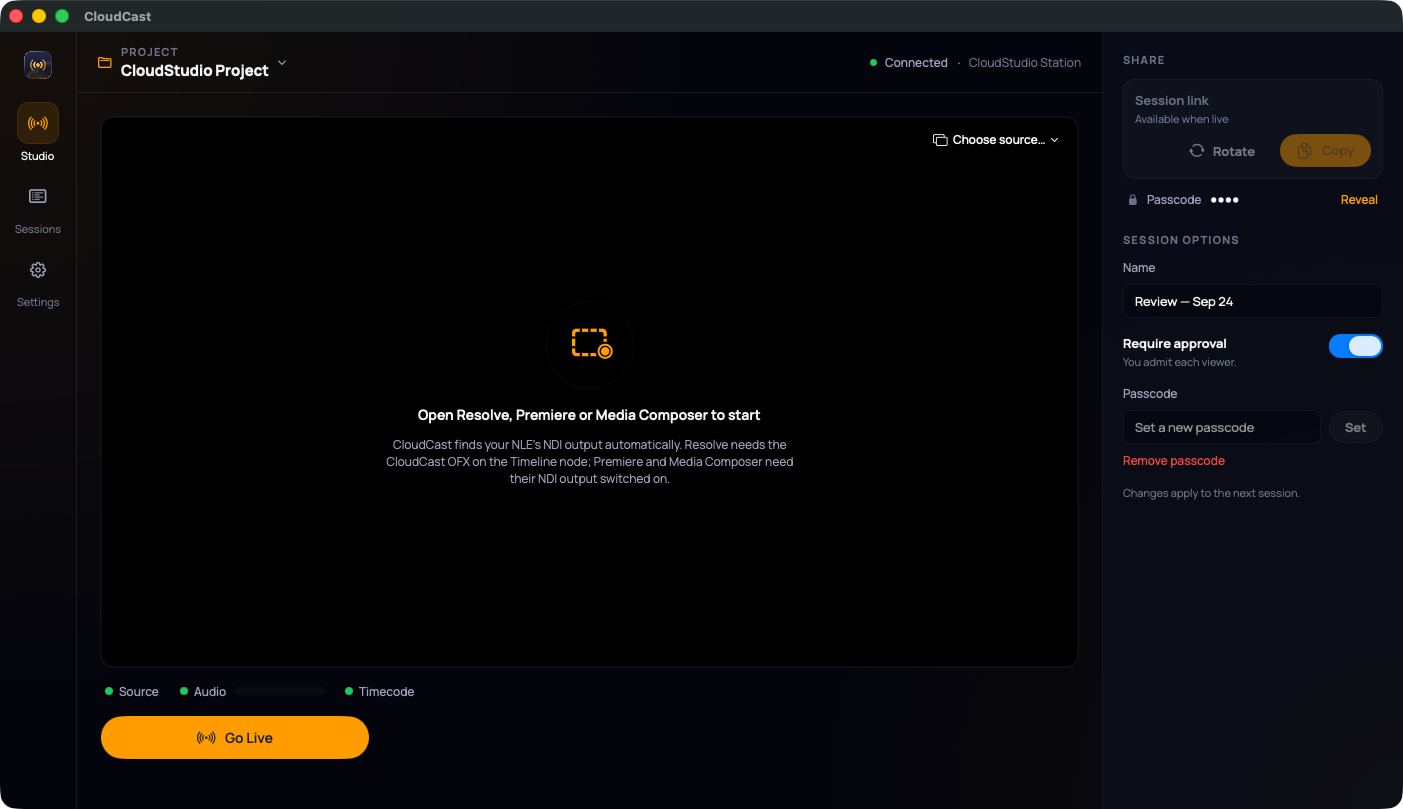
Press Go Live. CloudCast creates the session, connects, and turns the badge red: LIVE.
TIP
Press play in your timeline before or right after going live. Keep your editing app open and visible while live. macOS slows down hidden apps, and reviewers would see a choppy picture.
4. Share and admit
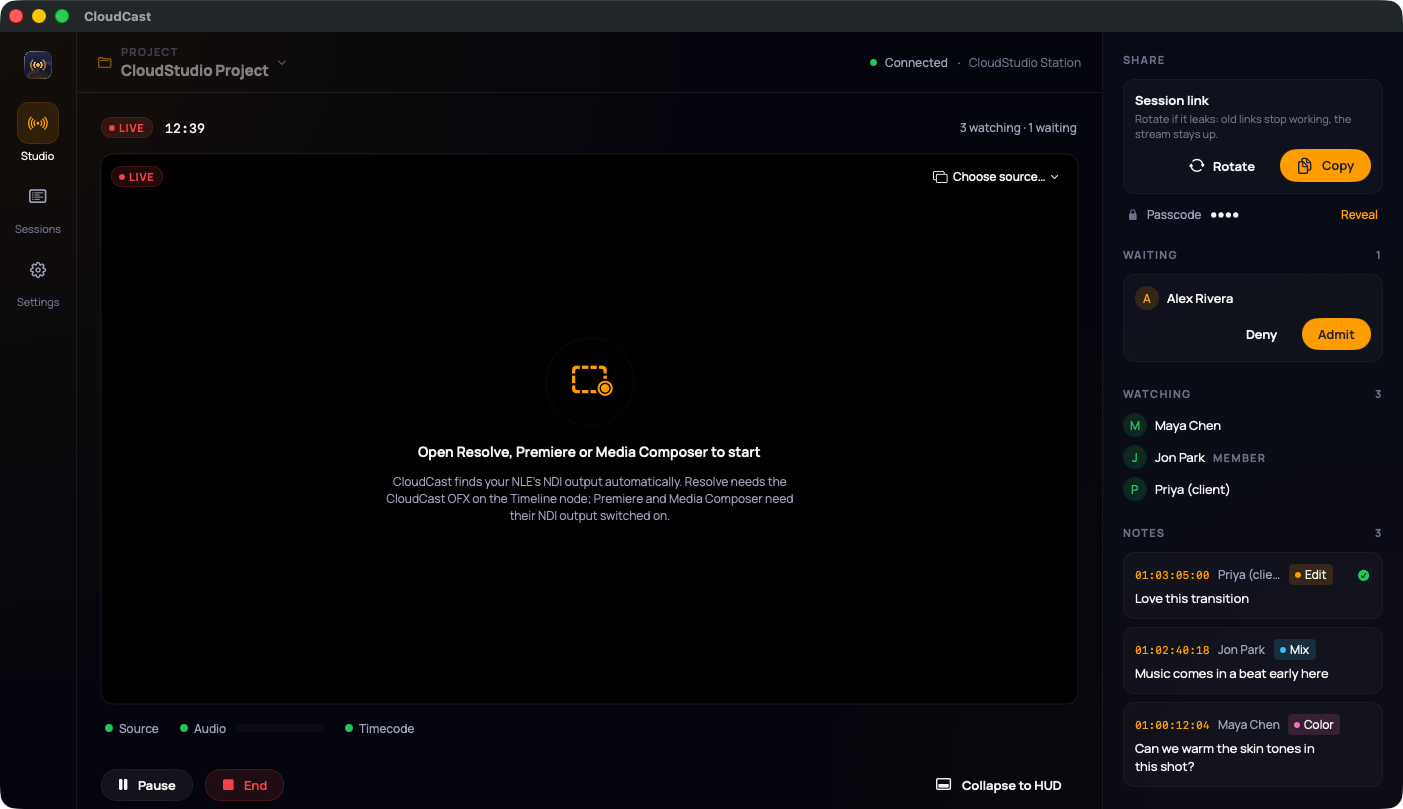
- Copy the session link and send it to your reviewers. If you set a passcode, Reveal it and send that too.
- Rotate gives you a new link and stops the old one working. Use it if a link got out; your stream stays up.
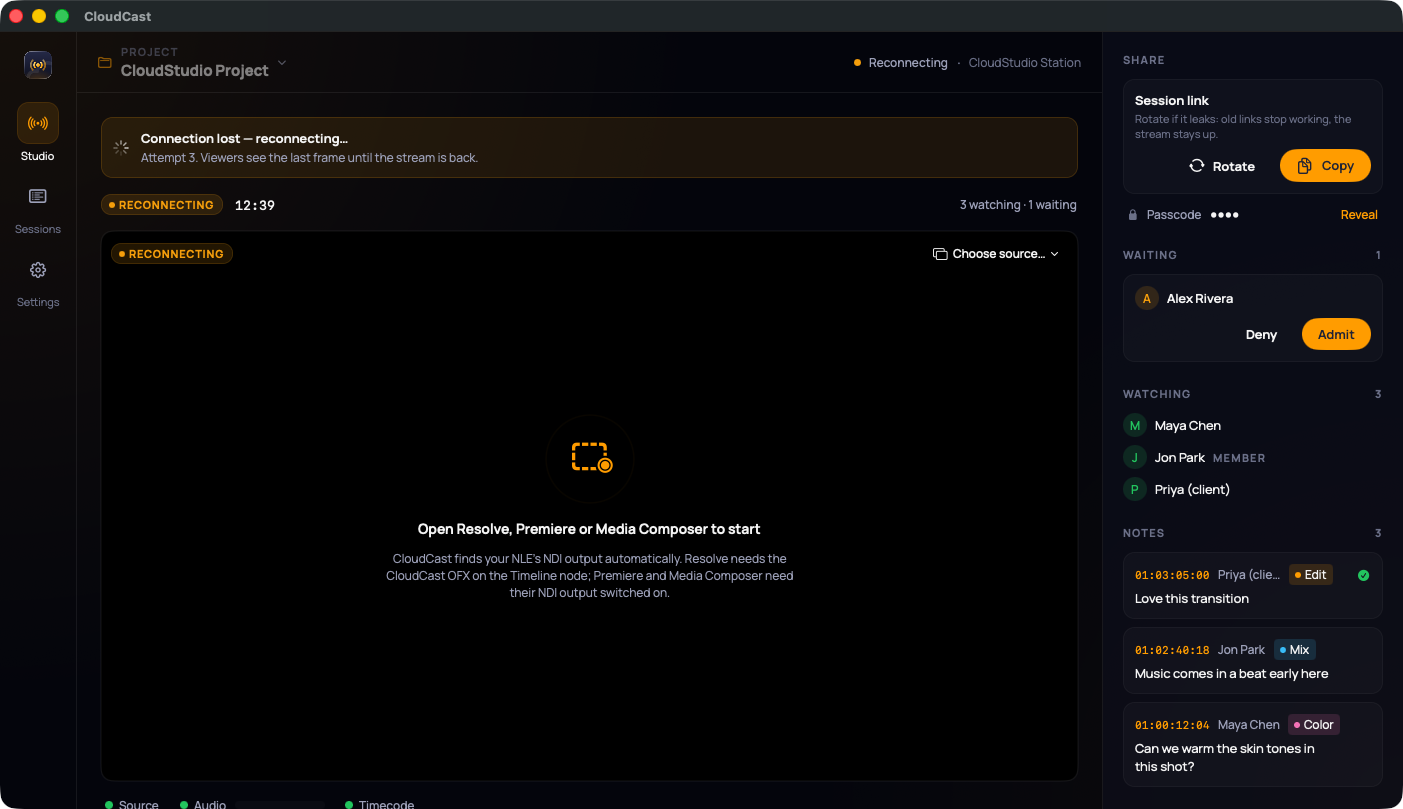
- Reviewers who knock appear under Waiting. Click Admit or Deny. You also get a macOS notification.
- Watching lists everyone in the room, and Notes fill in as reviewers leave them. Click a note to jump your timeline to that timecode.
5. The HUD
Collapse to HUD shrinks CloudCast to a small bar that floats over your editing app. It has Admit, Copy link, Pause and End. Press ⌘⇧H to show or hide it. By default CloudCast collapses to the HUD when you go live; change that in Settings.

6. Pause and end
- Pause freezes reviewers on the last frame. Resume carries on.
- End closes the session for everyone. Reviewers who came in on the project link go back to the waiting room for your next session.
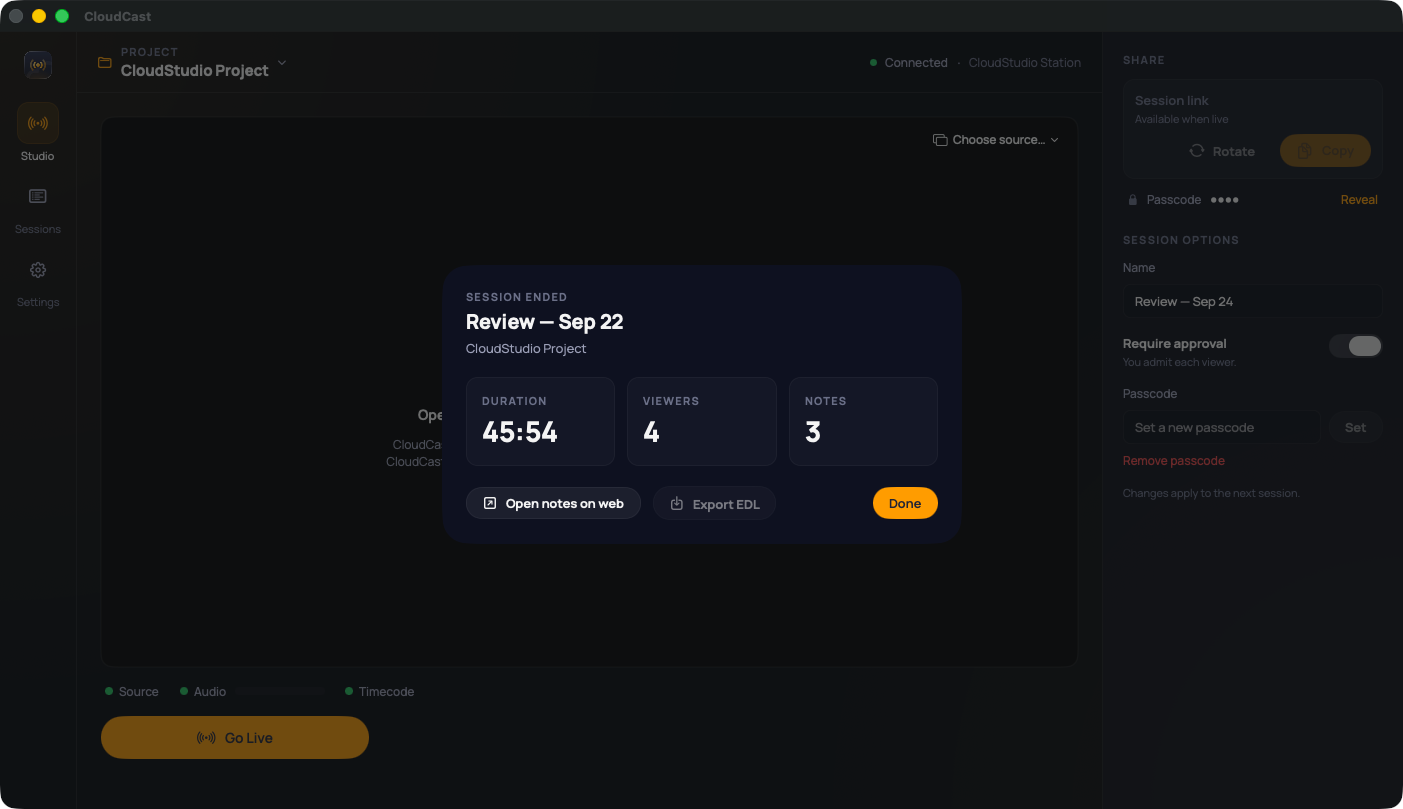
When a session ends, you get a summary with its length, viewer count and notes count.
If the connection drops
CloudCast reconnects by itself. After about a minute offline it offers Retry and End session.
If you quit while live, CloudCast asks next time whether to Resume that session or End it.