Join a review
You don't need to install anything. Use a current version of Chrome, Edge or Safari on a computer; phones work too.
Open your link
Your editor sends you one of two kinds of link:
- A session link works for one review.
- A project link works for every review on that project. If nobody is live yet, you see "Waiting for the review to start". Keep the tab open and you join automatically.
Enter your name, and the passcode if you were given one. Pick your microphone and speakers, then join. If the editor has approval turned on, you wait in the lobby until they let you in.
In the room
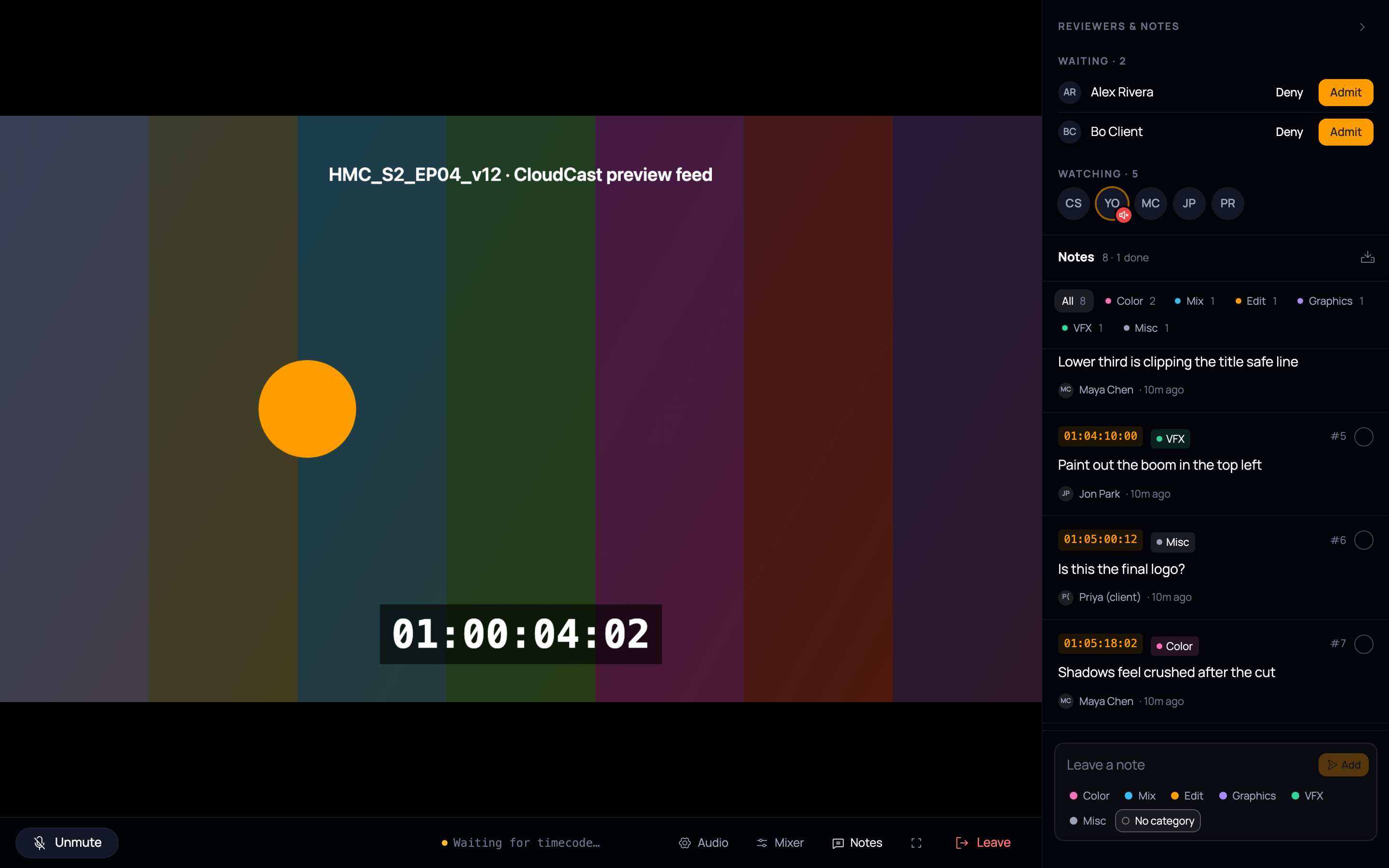
- Your mic starts muted. Click Unmute to talk, or turn on push-to-talk in Audio and hold Space.
- Mixer: set the volume of each person in the room.
- Notes: type a note and pick a category. It's pinned to the timecode on screen at that moment. Tick a note once it's done.
- Fullscreen: the button, or double-click the picture. Esc exits.
- Leave: leave the review.
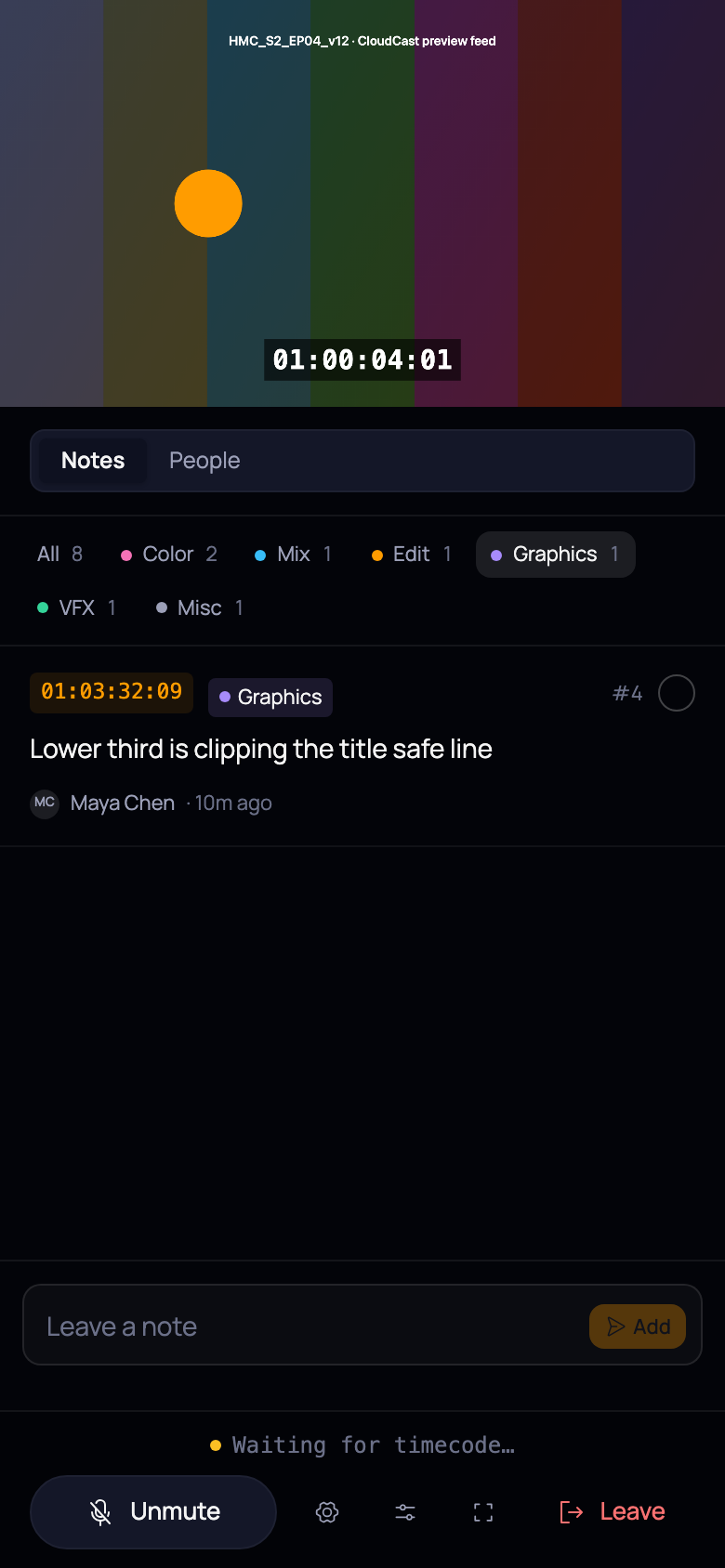
On a phone, the notes and people panel sits under the picture: