
Speed test
Not sure if a slow transfer is the app or your connection? Run a speed test. It's the same test as speed.cloudstud.io.
- Open the panel and click the gear.
- Under Help, next to Speed test, click Run.
- Click GO.
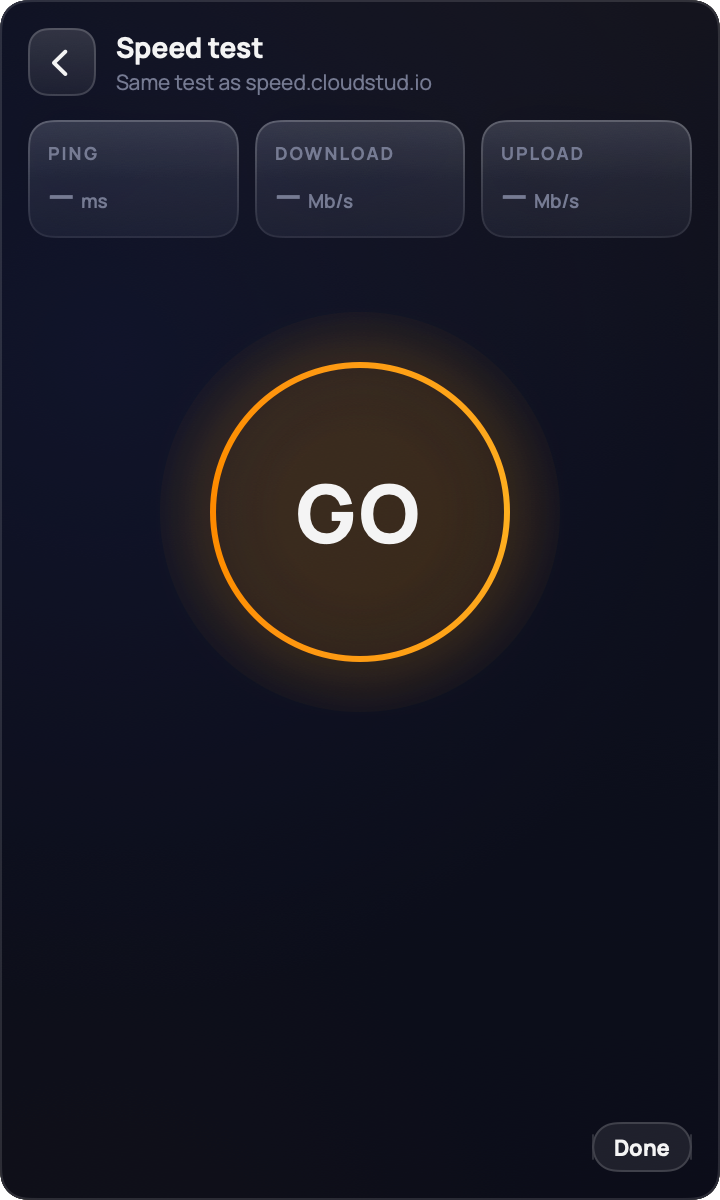
The test runs for about 30 seconds: Ping, then Download, then Upload. The needle and the graph move as it goes.
When it's done you see your download and upload speed, and roughly how long a 100 GB upload would take.
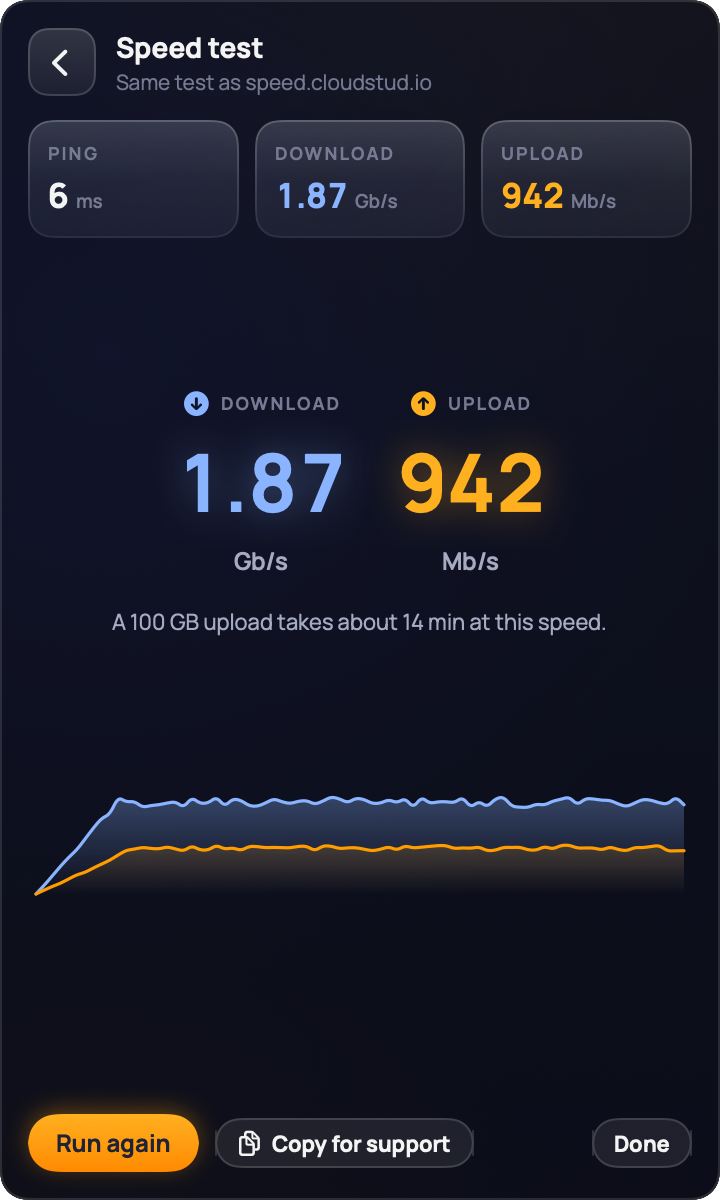
- Run again repeats the test.
- Copy for support copies the results, with your app version, so you can paste them into a support ticket.
- Done goes back.
Reading the result
- Your transfers can't go faster than the Upload number (for uploads) or Download number (for downloads).
- Wi-Fi is usually much slower than a cable. For big uploads, plug in.
- If the speed test is fast but transfers are slow, open a ticket and paste the Copy for support text.